✦ Free AI art prompt generator
Turn A Rough Idea Into An Art-ready Prompt.
Describe what you imagine, pick a style, mood, lighting and composition, and get a polished prompt built for Midjourney, DALL·E, Stable Diffusion and more. No sign-up, unlimited ideas.
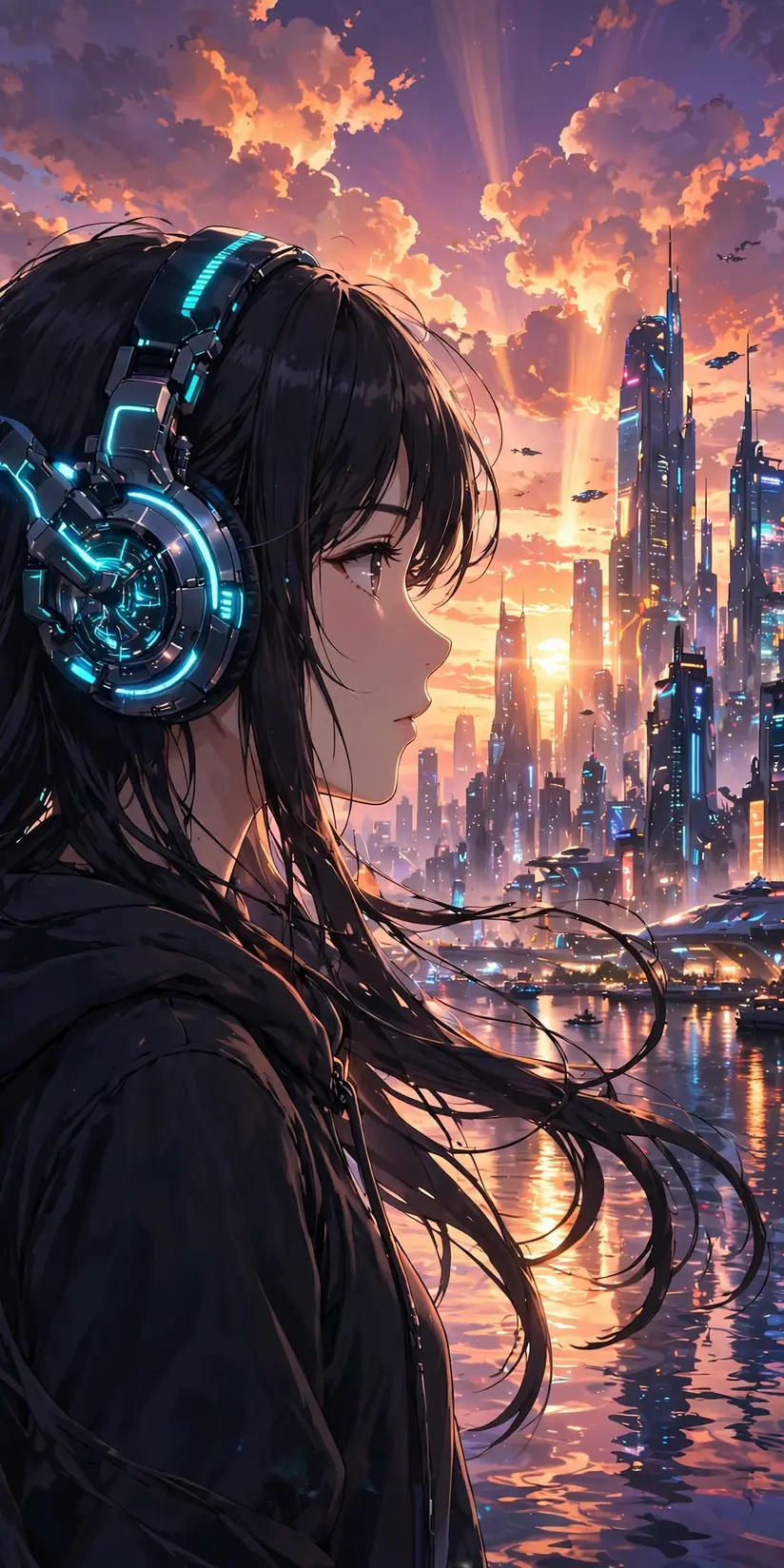
Free AI art prompt generator.
Start with your own subject or let the tool choose one. Switch between an open-ended drawing brief and a detailed prompt for an AI image generator.
Build your prompt
Random art prompt ideas to start creating.
Load one of these starter ideas, then change the style, mood, color palette, lighting, or aspect ratio. Each recipe is structured enough to guide the image while leaving room for your own visual decisions.
How to use the drawing prompt generator.
Go from a blank page to a useful creative brief in three moves. You control the direction while the generator organizes your choices instead of burying the subject under random keywords.
Name the subject
Type a person, place, creature, object, or scene. A concrete subject gives the prompt a clear visual center.
Shape the look
Choose a medium, mood, composition, lighting setup, color palette, and image format that support one direction.
Generate and refine
Copy the result, remix its descriptive details, or switch modes to adapt the same concept for hand drawing or AI image creation.
Prompt writing guide
What makes a good AI art prompt?
A strong prompt reads like a compact art direction brief. It describes what must appear, how the scene should feel, and which visual choices matter most. These five parts give an image model useful context without turning the prompt into a pile of unrelated terms.
Lead with the main visual idea
Name the character, object, place, or action clearly: “a botanical researcher cataloging luminous orchids” is easier to interpret than “beautiful fantasy scene.”
Define the visual language
Choose a medium or art style such as ink wash, editorial collage, oil painting, 3D illustration, linocut, or cinematic concept art.
Give the subject a world
Add an environment, time period, weather condition, or narrative clue. Context helps create relationships between the subject and its surroundings.
Control composition and viewpoint
Specify close-up, wide shot, eye level, overhead, symmetrical framing, shallow depth of field, or another composition that supports the focal point.
Tune light, color, and detail
Use a focused palette and lighting direction. Add texture or material cues only when they strengthen the image you are trying to make.
One prompt idea, adapted to your AI image tool.
The generator writes in plain descriptive language so you can edit the result for the model you use. Each platform interprets wording and settings differently, so treat the first output as a strong draft rather than a final command.
Midjourney
Keep the visual concept concise, then add the platform’s own aspect-ratio or styling parameters after the descriptive prompt.
DALL·E
Use natural sentences that explain the subject, scene, relationship between objects, composition, and important visual constraints.
Adobe Firefly
Begin with the generated text, then compare it with Firefly’s interface controls for content type, effects, color, lighting, and camera angle.
Stable Diffusion
Test focused prompt phrases and move unwanted traits into the negative prompt. Model and interface settings can change the result substantially.
Drawing prompts that leave room for the artist
A useful drawing idea provides direction without deciding every mark. Drawing mode suggests a subject, atmosphere, composition, and a few story details while leaving technique and interpretation open.
- Warm-ups, sketchbook sessions, and daily art challenges
- Character design, environment studies, and visual storytelling
- Classroom activities, creative groups, and portfolio practice
- Ideas for fantasy art, creature design, landscapes, and still life
AI image prompts with stronger visual structure
AI image mode turns the same choices into a denser, model-friendly description. It adds material detail, depth, lighting, visual hierarchy, and a concise negative prompt you can adjust for your preferred generator.
- Useful starting points for Midjourney, DALL·E, Firefly, and Stable Diffusion
- Plain-language aspect ratios for landscape, square, portrait, and poster formats
- Editable prompts for concept art, editorial images, book illustration, and social graphics
- Remixable details for testing prompt variations one change at a time
Explore AI, prompts, and creative technology.
A practical editorial hub for creators who want clearer answers—not vague lists of keywords. Browse the subjects that connect prompt writing, image generation, and the craft of making visual ideas readable.
How to write AI art prompts that produce clearer images
Learn how subject, medium, setting, composition, light, color, and constraints work together inside a useful image prompt.
Read the prompt framework →How to adapt one visual idea for different AI generators
Understand what stays universal and what should change when you move a prompt between image models.
Compare approaches →Creative drawing prompt ideas for characters, scenes, and worlds
Start with imaginative examples, then use style and story constraints to make the concept your own.
Try the ideas →Editorial & guest contributions
Useful AI writing starts with real experience.
The editorial section is designed for practical tutorials, informed comparisons, case studies, and creator-led perspectives. Strong contributions explain a process, test a claim, or help readers make a more thoughtful decision.
- AI tools & workflows
- Prompt engineering
- Creative technology
- Art, design & visual media
Quick answers
Art prompt generator FAQs.
Clear answers about random drawing prompts, AI image prompts, commercial use, negative prompts, and improving results.
What is an art prompt generator?
An art prompt generator combines a subject with creative constraints such as medium, mood, lighting, composition, color, and format. The result can guide a hand-drawn artwork or become a detailed brief for an AI image generator.
Is this AI art prompt generator free?
Yes. You can generate, remix, and copy prompts without creating an account. The prompt is assembled in your browser from the choices you make.
What is the difference between drawing mode and AI image mode?
Drawing mode stays open-ended so an artist can interpret the idea. AI image mode is more descriptive and includes visual finish details plus a negative prompt for tools that support one.
Can I use these prompts with Midjourney or DALL·E?
Yes. The generated prompt gives you plain-language visual direction that you can paste into Midjourney, DALL·E, Adobe Firefly, Stable Diffusion, or another image tool. Adjust any platform-specific commands separately.
What should I include in a good AI art prompt?
Start with a specific subject and action. Then add the medium or style, setting, composition, lighting, color palette, mood, and only the details that support the main idea. Clear relationships between objects matter more than a long list of adjectives.
What is a negative prompt?
A negative prompt lists traits you want the model to avoid, such as duplicate objects, unreadable text, distorted anatomy, flat lighting, or a cluttered composition. Not every image generator uses negative prompts in the same way.
Can I use a generated prompt commercially?
You may use and edit the text prompts for personal or commercial creative work. The final image is still subject to the terms, licensing rules, and content policies of the drawing, design, or AI platform you use.
How do I get better AI art results?
Keep the main subject specific, choose settings that support one visual direction, and change one variable at a time. If the result feels crowded, remove details. If it feels generic, add a distinctive action, material, era, viewpoint, or environment.